Adobe Creative Cloud 2026
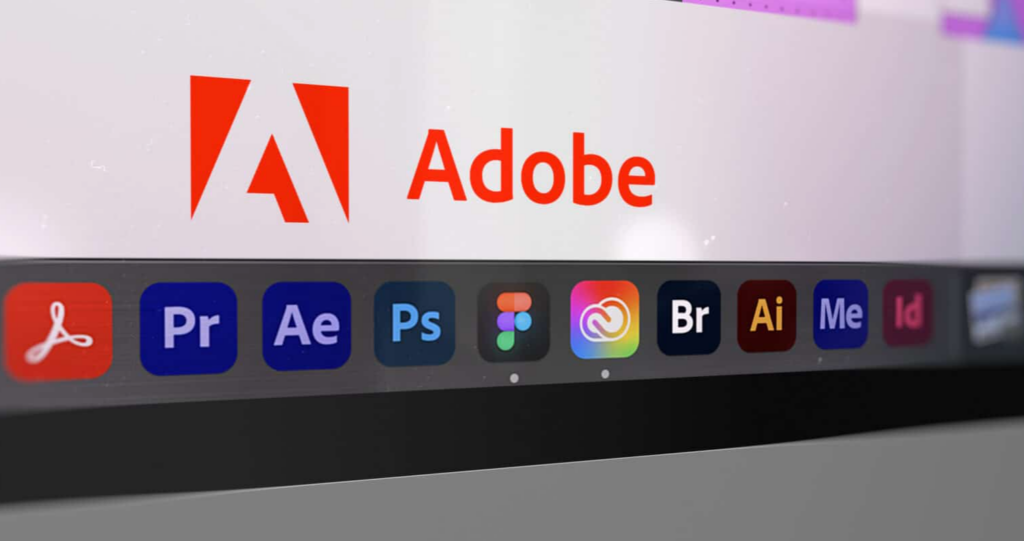
Adobe Creative Cloud is a collection of professional applications for photography, graphic design, video editing, animation, publishing, and content creation. It includes popular tools such as Photoshop, Illustrator, Premiere, After Effects, Lightroom, InDesign, and Acrobat Pro.
Here is what you should know before subscribing.
1. Why Should You Buy Adobe Creative Cloud?
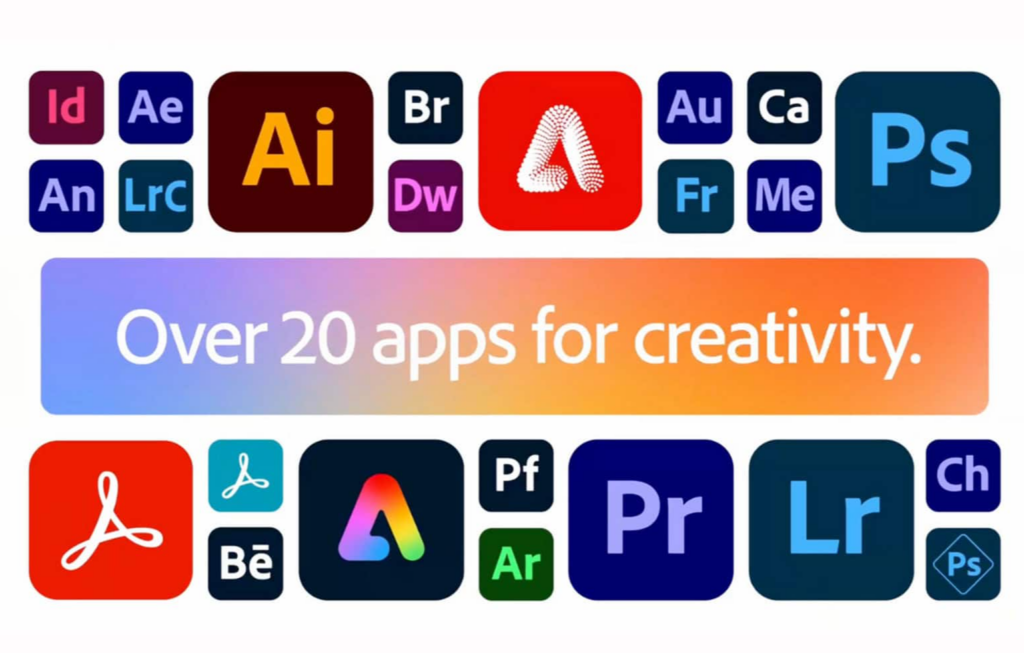
The main reason to purchase Creative Cloud is convenience. Instead of subscribing to several separate programs, you get more than 20 professional applications in one package.
Adobe applications also work well together. For example, you can:
- Edit an image in Photoshop.
- Add vector artwork from Illustrator.
- Animate the design in After Effects.
- Use it in a Premiere video.
- Export the finished project as a PDF or video.
This connected workflow can save a significant amount of time, especially when you work on complex projects.
Adobe software is also widely used by American businesses, design agencies, photographers, video-production companies, publishers, and freelancers. If clients or employers expect editable Photoshop, Illustrator, InDesign, or Premiere files, using Adobe can help prevent compatibility problems.
Creative Cloud is most valuable when its applications help you work faster, collaborate with clients, or generate income.
2. What Discounts Are Available?
As of August 6, 2026, Adobe is offering Creative Cloud Pro for new U.S. subscribers at:
$34.99 per month for the first year
The regular price is $69.99 per month, so the promotion provides a 50% discount. It can save approximately $420 during the first year. The current offer is scheduled to end on August 10, 2026.
The plan requires an annual commitment billed monthly. The promotional price may increase to the regular rate when the subscription renews.
Other current options include:
- Creative Cloud Standard: $54.99 per month
- Individual applications: Starting at $22.99 per month
- Photography plan: $19.99 per month
- Lightroom: $11.99 per month
- Adobe Express Premium: $9.99 per month
- Students and teachers: $19.99 per month for the first year, increasing to $39.99 per month afterward
Eligible students and teachers receive one of Adobe’s largest discounts. The education plan includes more than 20 applications, but Adobe may require proof of eligibility.
Adobe also offers a seven-day free trial. The trial automatically becomes a paid subscription if it is not canceled before it ends.
Remember that “annual, billed monthly” is still a one-year contract. If you cancel more than 14 days after billing begins, an early termination fee may apply.
3. What Are the Main Advantages?
More Than 20 Professional Applications
Creative Cloud Pro covers almost every major creative workflow:
- Photoshop for image editing and retouching
- Illustrator for logos and vector graphics
- Premiere for video editing
- After Effects for animation and visual effects
- Lightroom for photo editing and organization
- InDesign for books, magazines, and page layouts
- Acrobat Pro for professional PDF work
- Audition for audio recording and editing
Smooth Integration
Adobe applications are designed to work together. Files, colors, fonts, graphics, and assets can move between programs without requiring complicated conversions.
Industry Compatibility
Adobe file formats are commonly requested by clients, agencies, printers, publishers, and production teams. This makes collaboration easier and reduces the risk of formatting problems.
Regular Updates
Subscribers receive new features, performance improvements, security updates, and support for newer cameras and file formats without purchasing another version.
Creative AI Tools
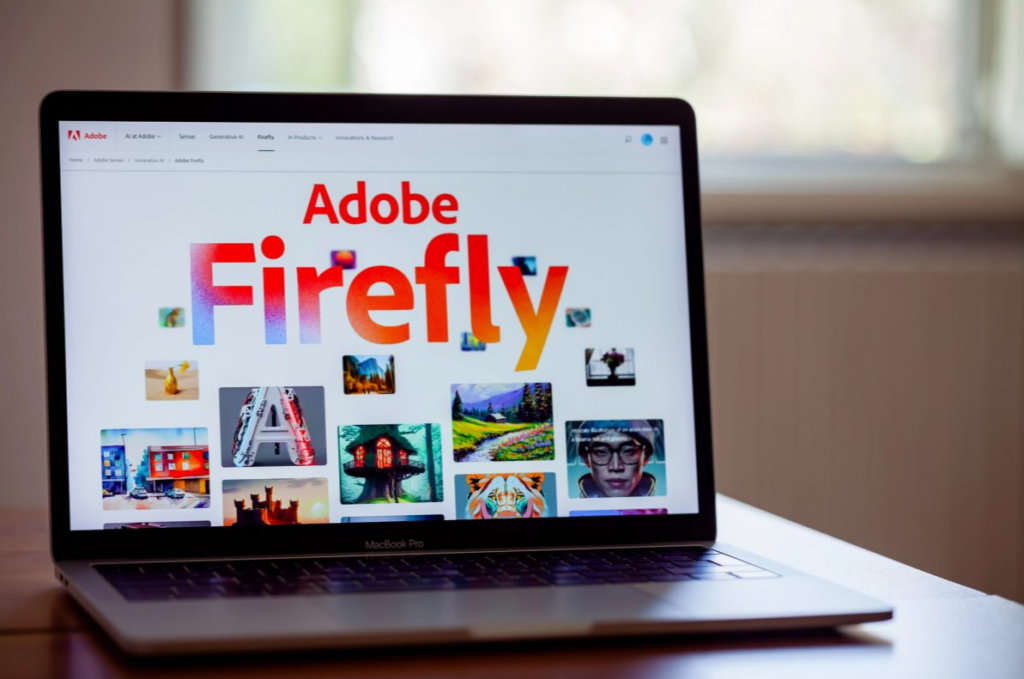
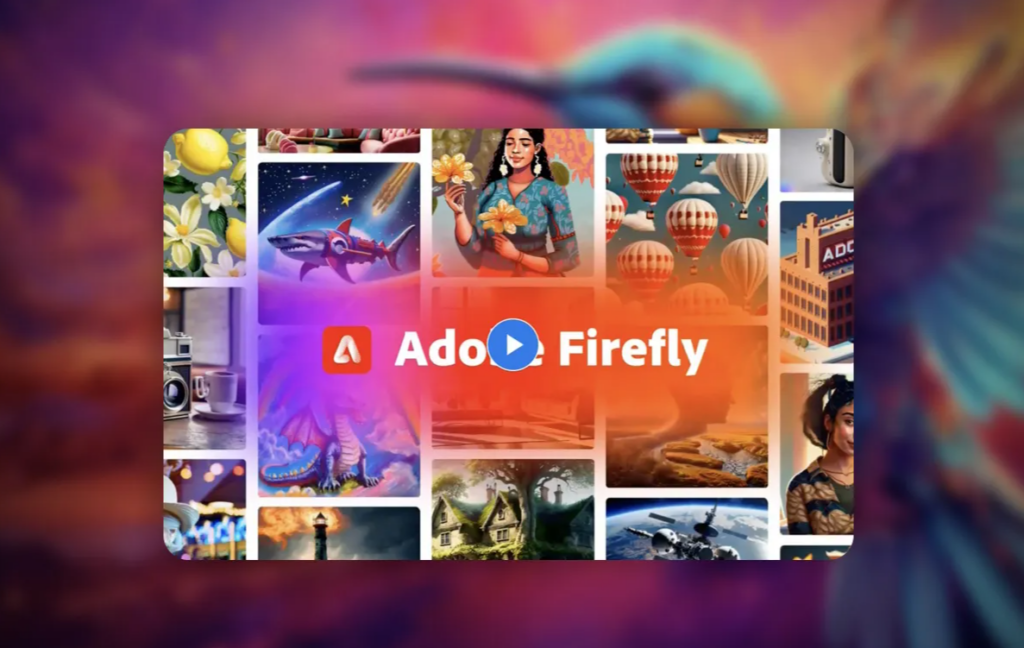
Creative Cloud Pro includes Adobe Firefly features for generating and editing images, video, and audio. Tools such as Generative Fill can help creators extend images, remove unwanted objects, develop visual concepts, and complete routine editing tasks more quickly.
Additional Services
Depending on the plan, subscribers may also receive Adobe Fonts, templates, cloud storage, Adobe Express Premium, generative credits, and other connected services.

4. Who Should Use Adobe Creative Cloud?
Professional Designers
Graphic designers who regularly use Photoshop, Illustrator, and InDesign will benefit from the full collection. Creative Cloud is especially useful when clients require editable Adobe source files.
Photographers
Photographers who mainly need Photoshop and Lightroom should consider the $19.99 Photography plan instead of the complete suite. It includes Photoshop, Lightroom, Lightroom Classic, and 1TB of cloud storage.
Video Editors and Content Creators
Creative Cloud Pro is a strong choice for people who combine Premiere, After Effects, Photoshop, and Audition. It supports editing, animation, thumbnails, audio production, and social-media content within one ecosystem.
Freelancers and Small Agencies
Freelancers and agencies handling different types of projects may need several applications. The full subscription provides flexibility without requiring a new purchase whenever a client requests a different deliverable.
Students and Teachers
Eligible students and teachers can access the full collection at a much lower introductory price. It is particularly useful for people studying design, photography, filmmaking, marketing, animation, or publishing.
People Who May Not Need It
Creative Cloud Pro may not be the best choice if you only use one application occasionally.
Choose a smaller plan if:
- You only edit photographs.
- You only need one professional application.
- You mainly create simple social-media graphics.
- You do not need Adobe file compatibility.
- Free or lower-cost alternatives already meet your needs.
Final Verdict
Adobe Creative Cloud is worth buying if you regularly use multiple creative applications, work with Adobe files professionally, or need a complete production workflow.
The current $34.99-per-month first-year offer makes Creative Cloud Pro particularly attractive for new subscribers. However, you should also consider the regular $69.99-per-month renewal price and the annual commitment.
For photographers, the Photography plan may offer better value. For users who only need one program, a single-app subscription is usually sufficient. Eligible students and teachers should consider the education discount first.
The smartest choice is not the plan with the most applications. It is the plan that gives you the tools you will actually use.